
Adding entitlement IDs and organization to a user account
If you can login to the Advantest License Portal but cannot find a specific entitlement in the portal, it is possible that the subsidiary organization ID is not assigned to your account. The required subsidiary organization is added using the missing entitlement ID.
Before you begin
Make sure that you have the following:
- Access to the Advantest License Portal.
- An entitlement ID that is not listed in the Advantest License Portal (the organization is not assigned to you).
Procedure
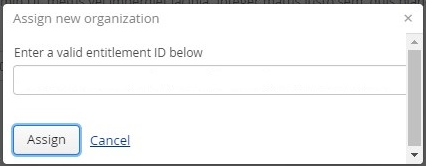
- Click Entitlement not listed…
The Assign new organization dialog is displayed.
Results
The entitlement is added to the pool of entitlements, and your user is associated with the organization to which the entitlement belongs.